
Testimonial migration: 4 steps and 5 things that break
You have 230 testimonials in Senja. You want to switch to a new platform. You exported the CSV. The file is malformed: 47 testimonials have missing attribution data, 12 have broken images that won’t transfer, 8 have video URLs that don’t parse, and 1 testimonial is duplicated 3 times.
You lost 4 hours trying to clean the file. The import failed twice. You wonder if there is a migration guide you should have followed before exporting.
There is. This is it.
This guide covers the 4-step testimonial migration process, the 5 things that break during migration, platform-specific migration for the major tools, the 3 features to verify after migration (schema, attribution, images), and the 2 mistakes to avoid.
It is for businesses moving their testimonial library between platforms without losing attribution, schema, or media. For the broader collection strategy, see how to collect testimonials.
Why testimonial migration is harder than it looks
Testimonial migration sounds simple (export, import). The reality is that 4 things make it hard.
Hard thing 1: Different field structures. Each platform has its own schema for testimonial data. Name might be “author” in one tool and “reviewer” in another. Mapping fields correctly takes planning, not just CSV export. For the broader import workflow, see testimonial import.
Hard thing 2: Image handling. Images hosted on the old platform may not transfer if URLs are signed or session-restricted. The new platform needs to re-host or re-link.
Hard thing 3: Schema markup lost on export. Most platforms export the data but not the Schema.org JSON-LD markup. The new platform needs to re-generate schema after import.
Hard thing 4: Video URLs break. Video testimonials often use private URLs (Vimeo restricted, Wistia signed). The migration needs to re-host or migrate the video files.
The 4 hard things are why 70% of testimonial migrations lose data without proper planning. The 4-step process below addresses each.
The 4-step migration process
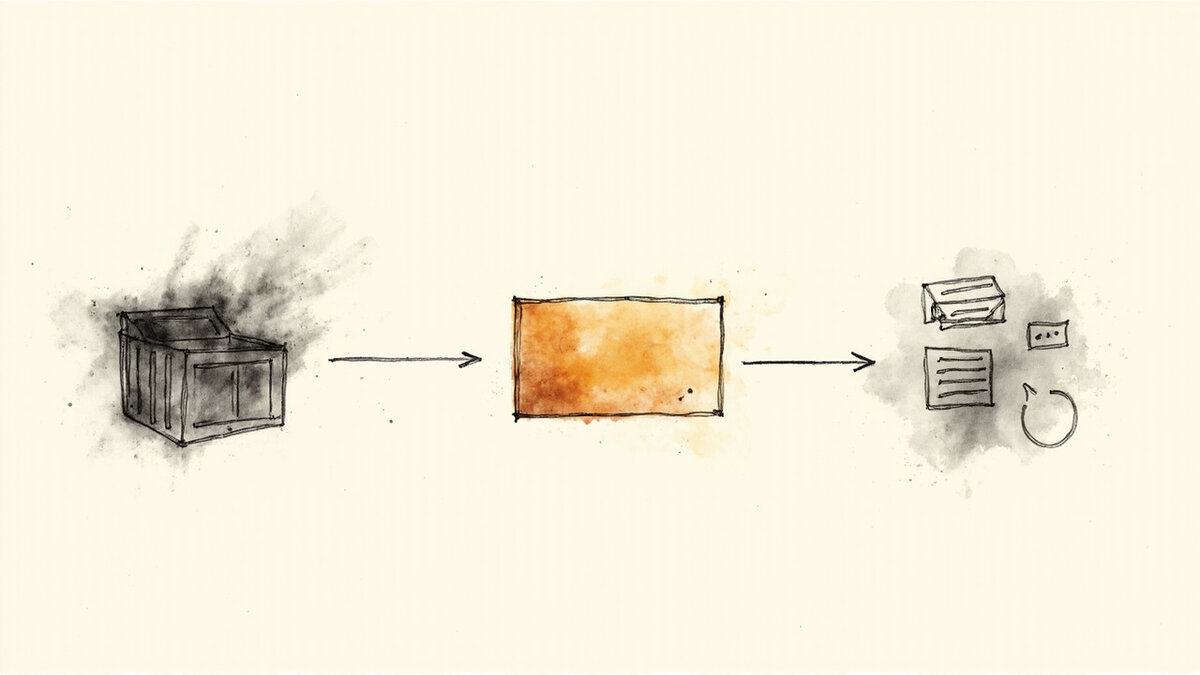
The 4 steps below describe a migration that preserves attribution, schema, and media.
Step 1: Audit the existing library (1-2 weeks before migration). Count the testimonials. Categorize by format (text, video, with images). Identify the highest-value testimonials (the ones featured on your homepage, pricing page, sales deck). Plan around preserving those first.
Step 2: Export from the old platform. Use the platform’s official export feature. Most platforms provide CSV export with all testimonial fields. If the platform does not have export, contact support.
Step 3: Clean and validate the export. Open the CSV. Check for: missing attribution (rows with empty name/company), duplicate testimonials, broken image URLs, broken video URLs, malformed date fields. Fix each issue before import.
Step 4: Import into the new platform + verify. Use the new platform’s CSV import (most platforms support this). After import, verify: count matches, attribution present, schema markup generated, images loaded.
The 4-step process takes 4-8 hours for 100-200 testimonials. The cleaning step takes most of the time.
The 5 things that break during migration

The 5 things below are the most common migration failures. Plan around each.
Break 1: Missing attribution. Testimonials exported without author names, roles, or companies import as anonymous. Without attribution, the testimonial is less credible. Fix in Step 3 by filling in attribution from public sources if missing.
Break 2: Image URLs invalid. Images hosted on the old platform may 404 after migration if the URL structure changes. Re-upload the images to the new platform during the import step.
Break 3: Schema markup absent. The new platform regenerates schema from imported data. If the data is incomplete (missing author, date, rating), the schema output is incomplete. Verify the schema after import.
Break 4: Video URLs broken. Video URLs that are signed or session-restricted fail when the new platform tries to embed them. Re-host the videos to the new platform or use the original public URL.
Break 5: Featured vs non-featured separation lost. Most platforms separate “featured” testimonials (pinned to home page) from regular ones. The export may not preserve this distinction. Re-mark featured testimonials in the new platform.
The 5 break categories cover what to check. Without planning, each break costs time to fix after import.
Platform-specific migration paths
The 4 migration paths below are the most common. Each has specific steps.
Path 1: Senja to a new platform. Senja exports as CSV with these fields: name, email, role, company, testimonial text, rating, image, video URL, source URL. Most modern platforms accept all these fields in their CSV import. The cleanest path is direct CSV export/import with field mapping.
Path 2: Famewall to a new platform. Famewall exports as JSON or CSV. The JSON export is richer (includes schema and tag data). Converting JSON to CSV adds time but preserves more attributes. Most modern platforms accept both formats.
Path 3: Testimonial.to to a new platform. Testimonial.to has a featured testimonials API. Migration via API preserves more attributes than CSV. The API includes attribution, source URL, and creation date. Verify the API endpoint before starting.
Path 4: Testimonial Engine to Testivo. Testimonial Engine exports videos as hosted URLs. The URLs may be signed. Re-host videos on Testivo’s video collection feature to preserve the video library. For the full feature comparison, see Testimonial Engine vs Testivo.
The 4 paths cover the most common migrations. Each platform has nuances. Test the migration with a subset (10 testimonials) before committing to the full library. Testivo supports CSV and JSON imports with field mapping for both formats, which makes the technical migration step straightforward once the data is clean.
The 3 features to verify after migration
The 3 verification steps below ensure the migrated library works correctly.
Verification 1: Schema markup. After import, check 5 random testimonials for proper JSON-LD schema markup. Look for: @type: Review, author with name, datePublished, reviewBody, reviewRating. Most platforms regenerate schema from imported data. For schema setup details, see schema markup for testimonials.
Verification 2: Image loading. Check that image URLs render correctly on the testimonial page. Replace any 404 images by re-uploading.
Verification 3: Attribution accuracy. Spot-check 10 testimonials for attribution accuracy (name spelled correctly, role matches, company matches). Fix any discrepancies.
The 3 verification steps take 30-60 minutes. Catching errors at this stage prevents broken pages from going live.
The 2 mistakes to avoid
The 2 mistakes below damage migration outcomes. Avoiding them preserves quality.
Mistake 1: Migrating during a launch. Launching a new testimonial tool while launching a new product creates confusion for the team and the audience. Migration should be a separate cycle with clear before/after verification.
Mistake 2: Migrating without backup. Always export twice (once for migration, once for backup). The backup ensures you can return to the original state if the migration fails mid-way.
The 2 mistakes are operational. Avoiding them produces a clean migration without surprises.
What changes when you ship a structured migration
The shift is visible in 3 metrics after the migration completes.
Metric 1: Testimonial library continuity. The migrated library has the same count (or close to it) as the original. The minor losses are documented.
Metric 2: Schema markup coverage. After the migration, 95%+ of testimonials have proper schema markup. Below that, SEO impact is significant.
Metric 3: Conversion rate. The migrated library supports the same conversion rate as the original. The migration preserves the proof the visitors depend on.
The right migration preserves the trust asset, the SEO benefit, and the conversion lift. The investment in following the 4-step process pays off.
The 4 timing considerations for migration
The 4 timing considerations below affect the success of the migration.
Timing 1: Mid-week, mid-month. Avoid migrating on Fridays, Mondays, month-ends. Mid-week has the most attention from your team. Mid-month is the lowest activity.
Timing 2: Not during a customer-facing campaign. If you are running a launch or promo, do not migrate. The migration may affect testimonial display timing.
Timing 3: During low-traffic hours. Most testimonials are visible on customer-facing pages. Migration during low-traffic hours (overnight, weekends) minimizes visible breakage.
Timing 4: With team bandwidth. The migration requires 4-8 hours of focused work. Schedule when the team has bandwidth. Do not try to migrate during a launch sprint.
The 4 timing considerations reduce migration risk. Plan the timing before starting the technical work.
The 4 CSV-cleaning techniques for migration prep
The 4 techniques below describe how to clean the export CSV before importing into the new platform.
Technique 1: Open in a spreadsheet with formulas. Use Google Sheets or Excel to load the CSV. Add columns for clean_name, clean_role, clean_company. Use formulas to detect missing values and flag them visually.
Technique 2: Sort and dedupe. Sort by testimonial text. Identical testimonials become adjacent rows. Delete duplicates.
Technique 3: Image URL validation. Use a script or spreadsheet function to ping each image URL. Mark 404s and missing images.
Technique 4: Date normalization. Different platforms export dates in different formats. Normalize all dates to ISO 8601 (YYYY-MM-DD).
The 4 techniques together take 30-60 minutes for 200 testimonials. The cleaning step is the most time-consuming part of migration.
The 3 CSVs to test the migration with before going live
The 3 CSV types below cover the test cases before committing the full library.
Test 1: A 10-row subset of the highest-value testimonials. Run the migration end-to-end on this subset. Verify schema, attribution, images render correctly. If the subset works, the full library will too.
Test 2: A 10-row sample of recently collected testimonials. These have all the modern schema fields. Use them to verify the new platform handles the latest attributes.
Test 3: A 10-row sample of older testimonials. These have legacy format issues. Use them to verify the migration handles imperfect data.
The 3 tests cover the high-value, modern, and legacy cases. Run all 3 before migrating the full library.