
How to organize testimonials: 5 dimensions, 12 tags
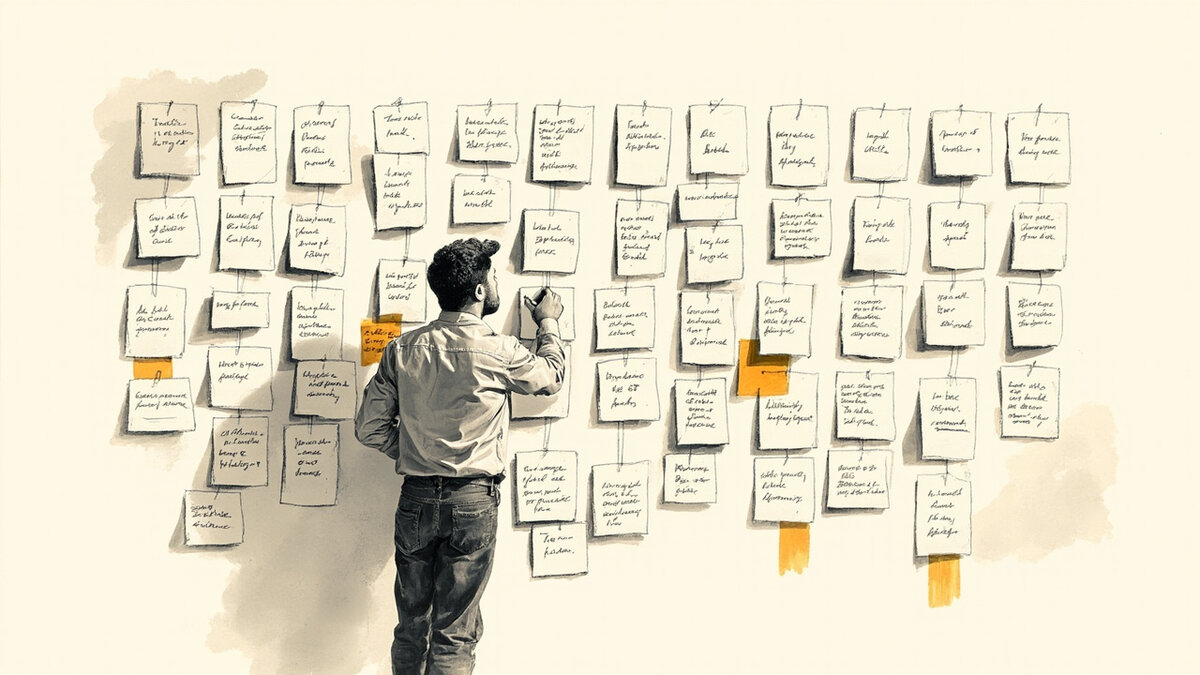
You collected 47 testimonials over 8 months. They sit in a Google Doc named “testimonials v3 final FINAL.” You cannot find the right one when you need it. You re-collect testimonials you already have. Your testimonial wall shows the same 8 in rotation. Your sales team uses a different set in their decks. Nothing is consistent.
This is the library organization problem, and the fix is 5 dimensions + 12 tags + a 4-week curation cadence. This guide covers the 5-dimension organization framework, the 12-tag taxonomy, the curation cadence, the 3 anti-patterns, and how to retire old testimonials without losing impact.
It is for marketers with 20+ testimonials in storage but no system to find the right one at the right time.
The 5 organization dimensions
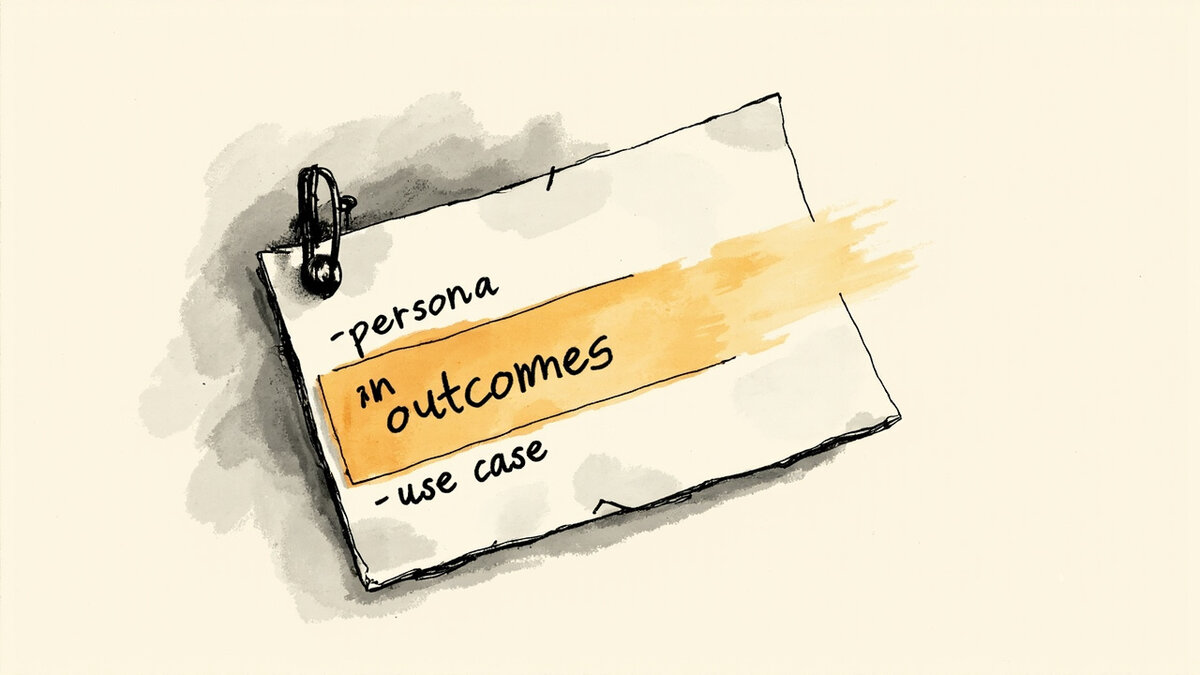
The 5 dimensions below are the canonical way to organize a testimonial library. Most libraries use 2-3. The goal is 5.
Dimension 1: Use case. The product feature or benefit the testimonial supports. A testimonial about “saved 4 hours/week” goes in the productivity bucket. A testimonial about “solved our compliance problem” goes in the compliance bucket. Use case is the most-searched dimension.
Dimension 2: Persona. The customer type who gave the testimonial. Marketer, founder, sales lead, ops manager, agency owner. Persona match is the second-most-searched dimension.
Dimension 3: Feature. The specific product feature the testimonial mentions. Tag for each feature mentioned. Most testimonials mention 1-3 features.
Dimension 4: Outcome. The measurable result the customer got. Cut reporting time by 60%, doubled signups, closed $50k in new revenue. Outcome is the most quotable dimension.
Dimension 5: Recency. When the testimonial was collected. Last 6 months, 6-12 months, 12-24 months, 24+ months. Recency affects credibility.
The 5 dimensions let you filter the library by any combination. A search for “productivity testimonials from marketers in the last 6 months” returns the right slice.
The 12-tag taxonomy
The 12 tags below cover most testimonial libraries. Add industry-specific tags as needed.
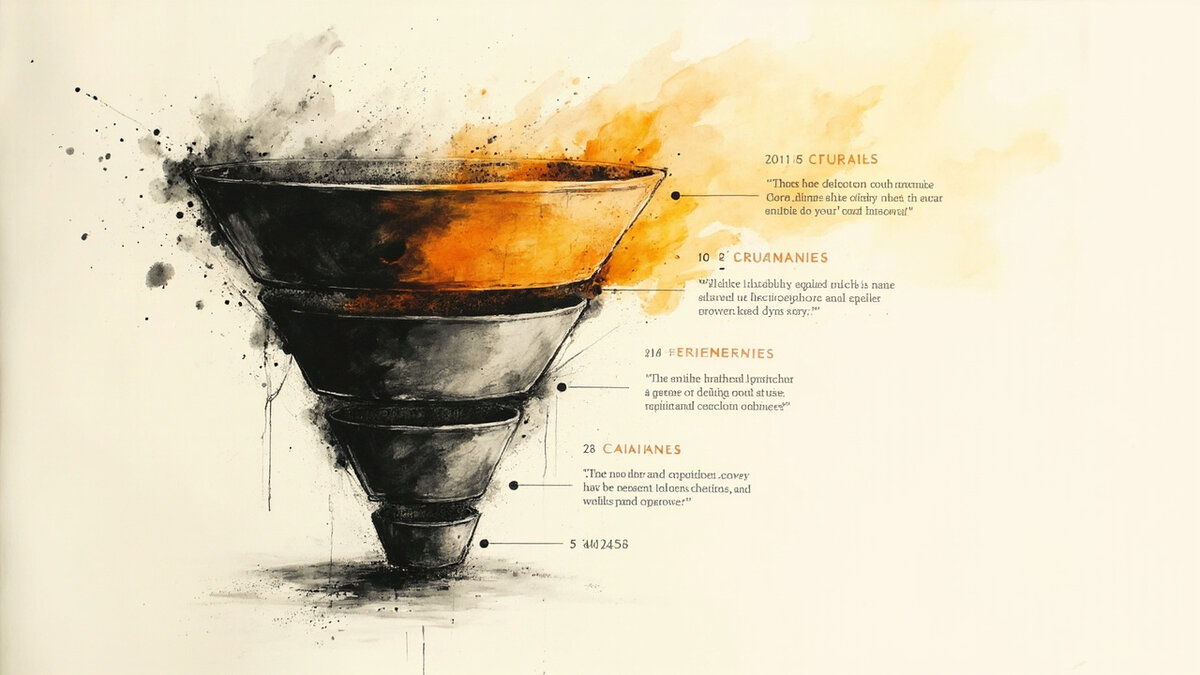
Tag 1-3: Use case (feature-benefit). Tag 4-6: Persona. Tag 7-9: Outcome. Tag 10-12: Format (text, video, audio, screenshot, tweet, case study link).
Standard tags: “saved time,” “increased revenue,” “reduced cost,” “founder,” “marketer,” “ops,” “metric-driven,” “story-driven,” “specific number,” “long-form,” “video,” “social share.”
The 12-tag taxonomy is the floor, not the ceiling. Most libraries settle at 18-25 tags after 6 months of use. The right taxonomy is the one your team actually uses.
The 4-week curation cadence
The 4-week cadence below is the operational rhythm for keeping the library healthy.
Week 1: Tag incoming testimonials. Every new testimonial gets tagged within 7 days of arrival. Without tagging, the library accumulates unsearchable content.
Week 2: Review top performers. Identify the 10 most-used testimonials in the last 30 days. Mark them as “high-traffic” and ensure they are tagged across all 5 dimensions.
Week 3: Identify stale testimonials. Find testimonials unused for 6+ months. Decide: refresh, retire, or leave alone. Most stale testimonials should be refreshed or retired.
Week 4: Audit library health. Total testimonials, percentage tagged, percentage with images or video, percentage published. The audit exposes gaps.
The 4-week cadence takes 2-3 hours per month. The cumulative effect over 6-12 months is a searchable, usable library.
The 3 anti-patterns of library organization
The 3 anti-patterns below are the most common failures. Avoiding them preserves library value.
Anti-pattern 1: No taxonomy. The library is a flat list. You scroll to find the right one. The cost compounds as the library grows. The fix is the 12-tag taxonomy above.
Anti-pattern 2: No review cycle. The library accumulates without curation. Half the testimonials are stale or wrong-product. The fix is the 4-week cadence above.
Anti-pattern 3: No retirement. Old testimonials stay forever. A testimonial from a since-discontinued feature appears in current campaigns. The fix is the retirement rule below.
The 3 anti-patterns are the difference between a library that helps and a library that wastes time. Avoiding them is the highest-leverage organizational fix.
How to retire testimonials without losing impact
The 4-step retirement process below removes testimonials cleanly when they go stale.
Step 1: Identify. Testimonials unused for 12+ months, with outdated features, or from customers who churned are candidates for retirement.
Step 2: Check impact. Is this testimonial still published? Does it drive traffic or conversion? If yes to either, keep it with a recency note. If no, retire.
Step 3: Archive (do not delete). Move to an “archive” folder. The testimonial may become relevant again with new product positioning.
Step 4: Replace if needed. If the testimonial was high-traffic and is now stale, replace it with a fresh testimonial covering the same use case. The replacement preserves the channel traffic.
The 4-step retirement preserves library quality. Bulk-deleting wastes usable assets. Archived-and-replaced keeps the library current.
The 4 measurement frameworks for library health
The 4 metrics below tell you whether your library is healthy.
Metric 1: Tag coverage. Percentage of testimonials with all 5 dimensions tagged. Target: 80%+.
Metric 2: Search-to-find time. How long it takes to find a relevant testimonial for a specific campaign. Target: under 2 minutes.
Metric 3: Reuse rate. How many times a testimonial gets reused across channels within 90 days. Target: 4+ uses per testimonial.
Metric 4: Freshness ratio. Percentage of testimonials collected in the last 6 months. Target: 30%+.
The 4 metrics expose library gaps. Tracking them monthly surfaces patterns you would otherwise miss.
How to migrate from a flat list to an organized library
The 4-step migration process below moves an existing flat-list library to a structured one.
Step 1: Export everything. Pull all testimonials from existing storage into a single spreadsheet. One row per testimonial.
Step 2: Tag in batches. Tag 10 testimonials per session in 30-minute blocks. Most libraries tag all content in 4-6 sessions.
Step 3: Build the canonical taxonomy. Use the 12-tag floor above. Add industry-specific tags as they emerge during tagging.
Step 4: Move to a testimonial platform. The platform handles tagging, search, and curation. Spreadsheets work but break above 100 testimonials. Testimonial platforms like Testivo handle tagging, search, and curation at scale so the team uses the library instead of avoiding it.
The 4-step migration takes 1-2 weeks for a 50-testimonial library. The payoff is years of searchable, usable content.
Your next move: open your testimonial storage right now. Count your testimonials. If you have 20+ with no tagging, spend 30 minutes tagging 10 of them using the 12-tag taxonomy. Repeat weekly until the library is tagged. The first 30 minutes is the highest-leverage hour you can spend on testimonial organization.
How to scale organization past 100 testimonials
The 4 tactics below keep the library organized as volume grows past 100.
Tactic 1: Hire a library curator. At 100+ testimonials, one person should own the library 4 hours per week. The curator tags incoming content, runs the curation cadence, and answers team requests.
Tactic 2: Use automated tagging. AI-assisted tagging based on testimonial text lifts tag coverage from 60% to 95% in 1 week. Most platforms offer this. Manual review catches the AI errors.
Tactic 3: Build category pages. Group testimonials into pages by category. The category page becomes a destination (AI Overview citation source) and the testimonials become searchable individually.
Tactic 4: Quarterly library reviews. Every 90 days, the curator reports library health to the team. Top performers, stale content, gaps. The review keeps the library aligned with current positioning.
The 4 tactics prevent library decay. Without them, organization erodes as volume grows.
The 4 questions that decide which testimonials to publish
The 4 questions below guide publication decisions. Apply them when you pull a testimonial from the library for a campaign.
Question 1: Does this testimonial match the channel audience? A testimonial from a SaaS founder may not resonate with e-commerce managers. Match the persona to the channel.
Question 2: Is the outcome still achievable? A testimonial claiming “we got 10x ROI in 30 days” sounds dated if the product has changed. Update the framing or refresh the testimonial.
Question 3: Is the attribution still accurate? A testimonial from “Sarah, Head of Growth at Acme Co.” is stronger than anonymous. Always include full attribution. Verify the role is current.
Question 4: Is the recency credible? A testimonial from 2024 is more credible for 2026 campaigns than a 2022 one. If you must use older ones, add a timestamp (“verified in 2024”).
The 4 questions protect campaign credibility. Each one is a 5-second check that prevents the most common publication failures.
How to involve the sales team in library organization
The 4 tactics below engage the sales team in library use without burdening them with tagging work.
Tactic 1: Sales-led testimonial requests. Sales submits testimonial requests through a shared form. The form captures use case, persona, and outcome. The curator uses the submission data for tagging.
Tactic 2: Weekly “testimonial of the week” digest. The curator emails the sales team one strong testimonial per week. Sales uses it in pitches. The digest increases library usage.
Tactic 3: Sales feedback loop. Sales reports which testimonials resonate with prospects. The curator prioritizes similar testimonials for publication.
Tactic 4: Library access for sales. Sales can search the library by use case, persona, and outcome. Self-serve reduces curator load.
The 4 tactics turn the sales team into library users without making them library maintainers. The library becomes a sales asset. Related: testimonial quality control.
Related reading: deploying library content across channels; the strategic layer above organisation; publishing the curated library.