
Post-purchase testimonial request: 3 timing windows, the email template that converts, and the 4 complaints to skip
You shipped 200 orders last month. The customers received their products. A few wrote organic reviews on your site or on Amazon. The other 180 customers are silent. You have no testimonial pipeline. You could send a generic “please review us” email 30 days later, but you have no idea if that works, what to say, or whether the timing is right.
This guide covers how to ask for a testimonial at the specific moment after a customer makes a purchase. It is for ecommerce stores, SaaS companies, and any business with a clear “purchase” moment. It covers the 3 post-purchase timing windows and which works, the email template that converts at 8-15%, the 4 things to include in the post-purchase ask, and how to handle complaints.
For the broader ecommerce vertical, see testimonials for ecommerce.
Why the post-purchase moment is special
The post-purchase moment is the highest-conversion time to ask for a testimonial. The customer has just made a buying decision. They have just experienced the product or service. They have emotional and practical feedback to share. The moment is fresh.
The challenge is that the post-purchase moment is also the most fragile. A wrong ask (too early, too generic, asking after a problem) damages the relationship. A right ask (well-timed, specific, with low friction) compounds into a testimonial that drives future sales.
The right post-purchase testimonial ask is a sequence, not a single email. It runs over 2-6 weeks after delivery. It uses different timing windows for different asks. It is one of the highest-leverage flows in any testimonial collection system. For the broader collection strategy, see how to collect testimonials.
The 3 post-purchase timing windows and which works
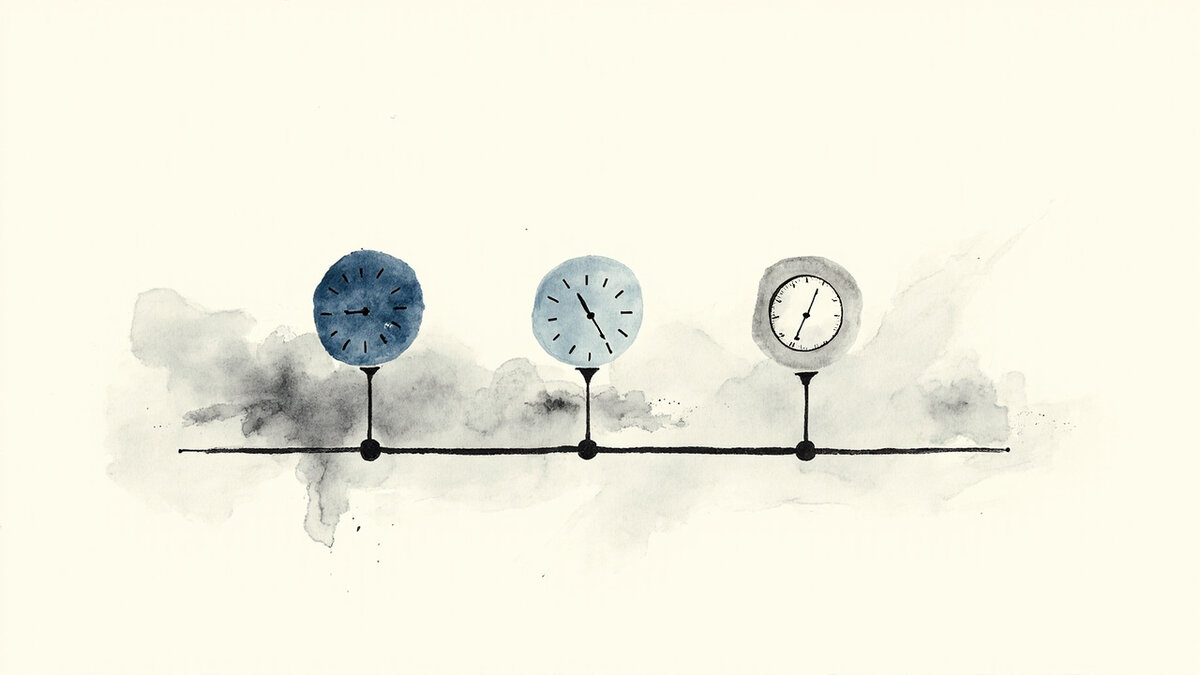
There are 3 timing windows after a purchase when a testimonial ask converts well. Each has different response rates and produces different types of testimonials.
Window 1: 24-72 hours after delivery (or signup). The customer has just received the product. They are opening it, trying it, forming first impressions. The response rate is 8-15%. The testimonials produced are first-impression testimonials, which are emotionally rich but may lack depth.
Window 2: 7-14 days after delivery. The customer has used the product a few times. They have specific outcomes to mention. The response rate is 5-12%. The testimonials produced are outcome-based, which is the most useful format for marketing.
Window 3: 30-60 days after delivery. The customer has long-term experience with the product. They have integrated it into their workflow. The response rate is 3-8%. The testimonials produced are durability testimonials, which carry more weight than first-impression testimonials.
The right combination is to ask in all 3 windows for different customers. The first ask gets the early testimonials. The second ask gets the outcome testimonials. The third ask gets the durability testimonials. Most libraries need all 3 types.
The email template that converts at 8-15%
The post-purchase testimonial email that converts best follows a specific structure. The 5-part template below is the formula.
Part 1: Subject line. Reference the product or service specifically. “[Customer name], how is [product name] working for you?” The subject line is specific to the customer. The customer knows what the email is about.
Part 2: Opening (1 sentence). “Hope you are enjoying [product name].” Short, warm, human. Sets the context.
Part 3: The ask (1-2 sentences). “We are collecting feedback from customers like you to help other shoppers make better decisions. Would you mind sharing a quick sentence or two about your experience?” The ask is specific (sentence or two). The ask is framed as helping other shoppers (which makes the customer feel useful).
Part 4: Specific guidance (1-2 sentences). “You could mention what you were looking for when you found us, how the product has worked for you, or anything that surprised you.” The guidance reduces the customer’s blank-page anxiety.
Part 5: The link (1 sentence). “It takes 2 minutes: [link to collection form].” The link is direct. The time commitment is stated. Most customers will click if they have the time.
The 5-part template converts at 8-15%. The generic “please review us” email converts at 2-5%.
The 4 things to include in the post-purchase ask
The 4 elements below turn a generic request into a specific one. Most businesses miss at least 2 of them.
Element 1: The customer’s name and order reference. The email opens with “Hi [customer name]” and references the specific order. The customer knows the email is real, not a mass blast.
Element 2: A specific outcome prompt. The email asks about a specific outcome (“how is the [product feature] working for your [use case]”). The customer does not have to invent the topic from scratch.
Element 3: An attribution offer with flexibility. The email says “you can include your name and city, or stay anonymous.” The customer chooses their attribution level. Most customers choose full attribution.
Element 4: A low-friction link. The link goes to a single-question form or a 3-question form, not a 10-field application. The customer can complete the request in 1-2 minutes. For form structure that minimizes friction, see testimonial forms.
These 4 elements together produce the 8-15% conversion rate. Missing any one of them drops the conversion back to 2-5%.
How to handle post-purchase complaints
The most important rule of post-purchase testimonial collection is to never ask for a testimonial from a customer who has had a problem. The 4 scenarios below are when to NOT ask.
Scenario 1: The customer opened a support ticket that is still unresolved. Do not ask for a testimonial. Resolve the ticket first. Ask later.
Scenario 2: The customer requested a refund or chargeback. Do not ask. The customer is leaving. Asking for a testimonial is tone-deaf.
Scenario 3: The customer left a 1- or 2-star review on a third-party platform. Do not ask for additional feedback via your own channel. Address the review publicly first.
Scenario 4: The customer has been inactive for 60+ days. The customer probably did not get value from the product. Asking for a testimonial is unlikely to produce positive content.
The right move in all 4 scenarios is to delay the testimonial ask by 60-90 days, address the issue first, and then re-evaluate. Some customers will become promoters after their issue is resolved. Most will not.
The 3 automation flows that scale post-purchase collection
Manually sending post-purchase emails does not scale past 100 customers per month. The 3 automation flows below scale the collection to thousands of customers.
Flow 1: Trigger-based on order delivery. When the shipping status changes to “delivered,” wait 7 days, then send the testimonial request. The trigger is automatic. The email is personalized with the customer name and order details.
Flow 2: Multi-step sequence. Send the first ask at 7 days. If no response, send a softer follow-up at 14 days. If still no response, send a final ask at 30 days with an incentive (discount on next order, small gift card). The 3-step sequence converts at 12-18%.
Flow 3: Photo and video upsell. After the text testimonial is collected, send a follow-up asking for a photo or video testimonial. The conversion rate is 5-15% (lower than text but the asset is more valuable). For video-specific collection guidance, see video testimonials.
The 3 flows together can be run by most testimonial platforms without engineering work. Testivo and similar tools handle trigger-based collection, multi-step sequences, and media upsell natively. The setup is config, not code.
What changes when post-purchase collection runs at scale
The change is visible in 3 metrics within 90 days of running the collection at scale.
Metric 1: Testimonial volume. A business collecting 50 testimonials per month (from 500 orders) is producing a testimonial library that grows by 600 per year. Within 18 months, the library has 800+ testimonials covering every product and use case.
Metric 2: Conversion rate lift on product pages. Testimonials on product pages lift conversion by 8-15% on average. The lift compounds as the testimonial library grows.
Metric 3: Customer feedback velocity. The collection flow produces 1-3 specific customer insights per week (“customer X said the product worked best for Y”). The product team uses these for roadmap decisions. The marketing team uses them for messaging. The sales team uses them for objection handling.
The right post-purchase collection flow is the foundation of a sustainable testimonial library. Run it at scale, the testimonials compound. Skip it, the testimonial wall stays thin regardless of how much you ask for them on other channels.
The 5 incentives that work (and the 3 that do not)
Incentives can lift the post-purchase testimonial conversion rate. The 5 incentives below work. The 3 incentives below do not.
Incentive 1: Discount on next order. A 10-15% discount on the next order is a fair exchange for the customer’s time. The conversion lift is 20-40% on top of the base rate. The cost is manageable.
Incentive 2: Entry into a monthly drawing. A drawing for a $100 gift card or a free product. The conversion lift is similar to the discount. The cost is fixed regardless of response volume.
Incentive 3: Free gift with next order. A small gift (sample product, branded item). The conversion lift is modest (10-20%) but the gift reinforces the relationship.
Incentive 4: Loyalty points. For businesses with a loyalty program, points in exchange for a testimonial. The conversion lift is moderate. The points reinforce engagement.
Incentive 5: Charitable donation. A donation to a charity of the customer’s choice in exchange for a testimonial. The conversion lift is highest (30-50%) because customers feel good about both the testimonial and the donation. The cost is variable.
The 3 incentives that do NOT work: cash payments (creates the wrong incentive, may violate FTC guidelines), high-value gifts (creates suspicion of pay-for-review schemes), and tiered incentives based on testimonial length (incentivizes fluff).
Regardless of which incentive you choose, disclose it clearly. The FTC requires that any material connection between a reviewer and a seller be disclosed. A note like “you will receive a 10% discount on your next order in exchange for this review” satisfies the requirement.
How to handle “I would rather not” responses
Some customers will decline to write a testimonial. The 4 reasons below are the most common, and each has a different response.
Reason 1: “I am too busy.” Offer a 3-question form instead of an open-ended one. The customer spends 1-2 minutes instead of 5-10. The conversion rate lifts 20-40%.
Reason 2: “I do not feel I have anything useful to say.” Share 3 testimonials from similar customers. The customer often realizes their experience is valuable when they see what others wrote.
Reason 3: “I do not want my name used.” Offer anonymous attribution as an option. Many platforms support anonymous testimonials as a fallback, which removes the objection while still letting the customer’s voice reach the testimonial library.
Reason 4: “I had a bad experience.” Do not push. Use the feedback internally. Address the issue. Do not put a dissatisfied customer on the spot for a testimonial.
The rule is to push no more than twice. Two polite follow-ups are appropriate. A third request damages the relationship. Related: in-app after delivery. Related: incentives in the ask email. Related: timing the post-purchase ask. Related: asking after a project.